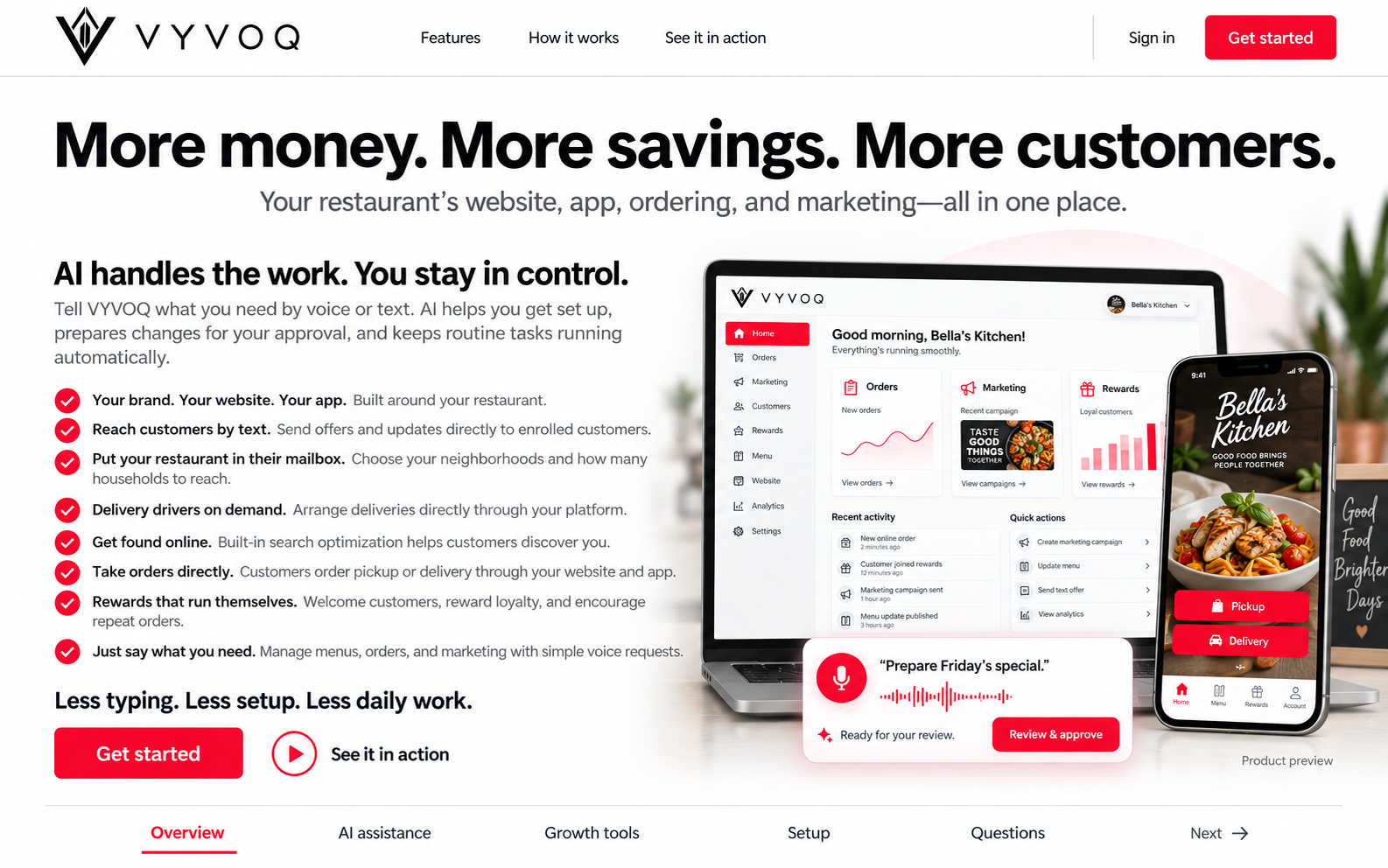
See VYVOQ in action
Follow the steps to set up your restaurant, publish your website, and use VYVOQ to manage orders, marketing, and rewards.
Chapters
Read the transcript
Set up your restaurant
Start on VYVOQ and select Get started to create your account. Add your restaurant name and business details. Confirm the hours and contact information customers will see.
Build and publish your website
Add your menu, then review item names, prices, and options. Choose a website design, add your logo and colors, and preview it on desktop and mobile before publishing.
Manage orders and delivery
Choose how customers can order, and complete merchant payment setup before accepting cards. Follow new orders in your dashboard. Delivery through a partner depends on activation and local coverage.
Prepare a campaign
Start with an offer. For a text campaign, choose customers who agreed to receive your messages. For direct mail, choose the neighborhoods you want to reach. Review the artwork and costs before approving.
Set up rewards
Set up rewards by deciding how customers earn points and what they can redeem. Review the rules in your dashboard before enabling the program.
Ask AI and review changes
Ask the assistant to prepare a change, such as a Friday lunch special. Review the draft, edit any details, and approve it when you are ready. Select Get started on VYVOQ to begin.